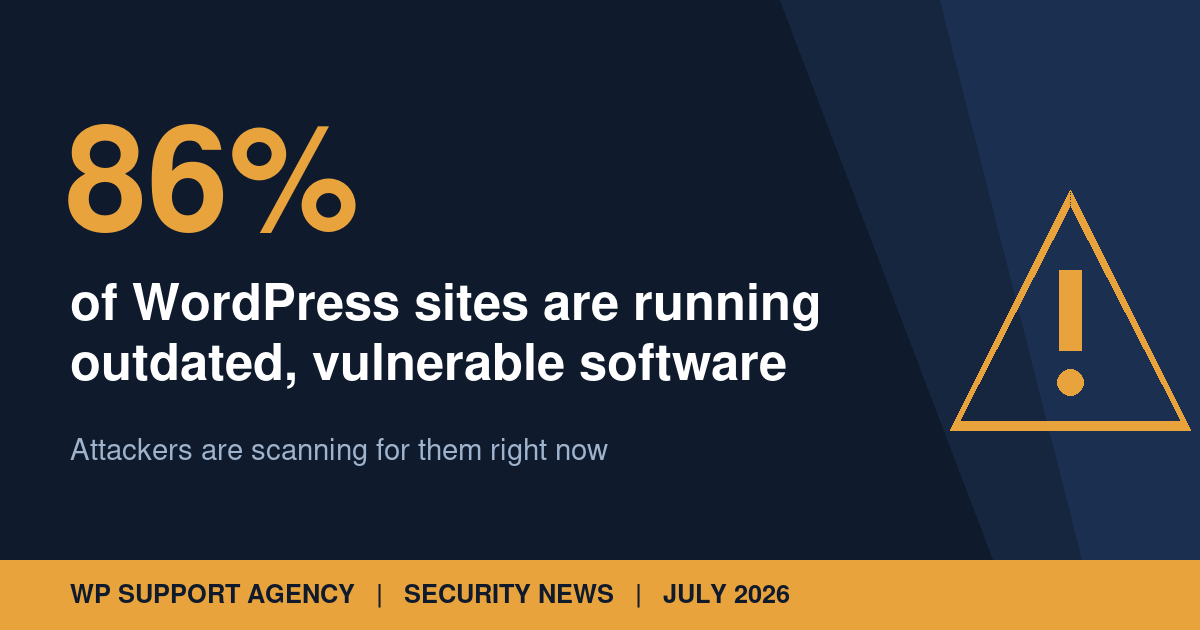
If you have ever put off a WordPress update because you were worried something might break, you are in good company. According to new research from internet-scanning firm Censys, published on 1 July, only 14% of publicly visible WordPress sites are running the current version of WordPress. The rest, roughly 86%, are at least one release behind, and attackers are actively hunting for them.
What the numbers say
Censys scanned the visible internet and found over 59 million publicly reachable WordPress sites across a million IP addresses. Among the sites that expose their version information, the picture is worrying:
- Only 14% were on the latest release, WordPress 7.0. Even counting WordPress 6.9, which reached end of life on 20 March 2026, just 31% were on an actively maintained version.
- Over 70% were running outdated PHP, the language WordPress is built on. The single most common version was PHP 7.4, which stopped receiving security patches back in November 2022. The second most common was PHP 5.6, unpatched since 2018.
- Plugins fare no better. Of the five million plus sites running the popular Yoast SEO plugin, fewer than 22% were on its newest release.
One honest caveat: the version data comes from the roughly 316,000 sites that publicly expose their WordPress and PHP versions, which is a small slice of the total. Sites that hide version headers may be better maintained. But hiding the version number does not patch the software underneath it, and the broader trend matches what we see on sites that come to us for help.
Attackers are not waiting
The report is not just statistics. Censys documented an active defacement campaign, in which a threat actor calling themselves MR.GREEN replaces site content with a “Hacked By MR.GREEN” message. Over 900 websites carried that message in June 2026 alone, almost all of them running a content management system, most commonly WordPress. The affected sites shared a familiar profile: outdated software, exposed installation files, and the legacy xmlrpc.php endpoint left open to brute-force attempts. GreyNoise sensors flagged 70 IP addresses actively scanning for that endpoint over the past 90 days.
Outdated plugins carry the same risk. In June, a critical authentication bypass in the UpdraftPlus backup plugin (CVE-2026-10795) put around three million sites at risk; Wordfence reported blocking more than 8,000 exploit attempts within 24 hours of the flaw becoming public. A patch was available before exploitation started. The sites that got hit were the ones that had not applied it.
Why do so many sites fall behind?
Because updates sometimes break things, and site owners know it. As one admin quoted in the Cybernews coverage put it: “Whenever I bump PHP to the latest version, something on my site breaks, usually some dusty old plugin.” PHP upgrades in particular assume you are only one step behind, so a site that has drifted several versions back faces a genuinely awkward migration. The result is a vicious circle: the longer you delay, the riskier the update feels, so you delay longer.
Censys is blunt about the stakes: “PHP upgrades are not optional improvements, but critical security patches.”
What you should do
- Find out what you are actually running. Check your WordPress version, PHP version, and every plugin. Your host’s control panel will show the PHP version; the current supported versions are listed at php.net.
- Take a full backup before changing anything, and keep the backup somewhere other than the server itself.
- Update in a testing environment first. The fear of breakage is legitimate. The answer is not to skip updates but to test them on a staging copy before applying them to the live site.
- Do not rely on hiding version numbers. Obscuring your version header keeps you out of casual scans but does nothing against the automated tools that probe for the vulnerabilities themselves.
- Close the legacy doors. If nothing on your site uses xmlrpc.php, disable it, and make sure leftover installation files are removed.
The uncomfortable truth
None of the attacks described in the Censys report required sophisticated tooling. They required patience and a target that had stopped doing maintenance. That is the real lesson of the 86% figure: most compromised WordPress sites are not beaten by clever hackers, they are simply left unlocked.
Keeping core, PHP, and a stack of plugins current, with proper backups and staging tests, is exactly the routine work our hosting, maintenance and support plans exist to take off your plate. Not sure where your site stands today? Request a free website review and we will tell you, in plain English, what needs attention.